Tips on Using InDesign’s Guides
Now here’s something that almost every InDesign tutorial uses: guides. Guides are one of the fundamentals of working in InDesign. In fact, you pretty much can’t get a design to…

Now here’s something that almost every InDesign tutorial uses: guides. Guides are one of the fundamentals of working in InDesign. In fact, you pretty much can’t get a design to…
Working in InDesign can become almost second nature to you after a long time of doing it. After a steady period of following InDesign tutorials and using it for all…
Part 1 of this InDesign tutorial covered a few basic ideas for adding effects to your text, and this part will offer a few more. InDesign is much more versatile…
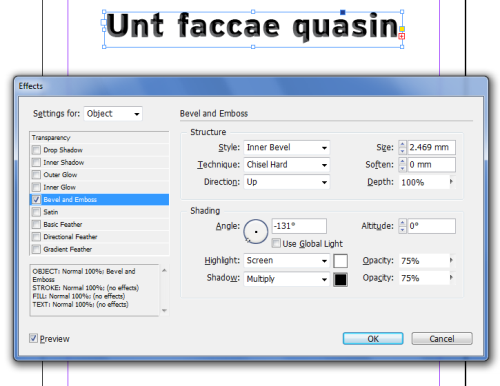
This InDesign tutorial will be less of a tutorial and more of a general collection of tips and tricks for applying effects to your text. If you are creating a…
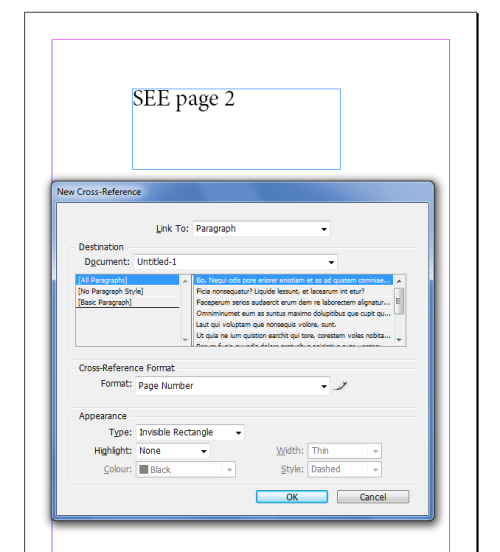
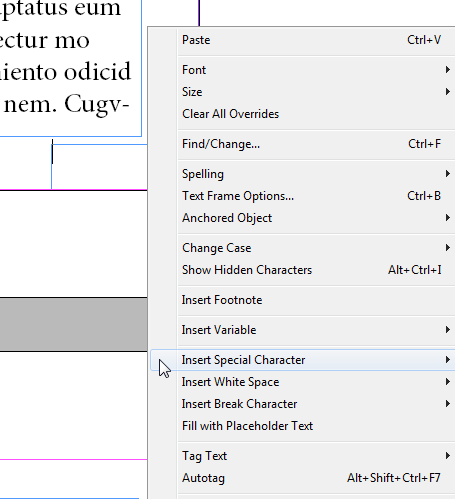
A feature that you will not find in older InDesign tutorials (InDesign CS3 and older) is the cross referencing feature that makes the job of a designer so much easier.…
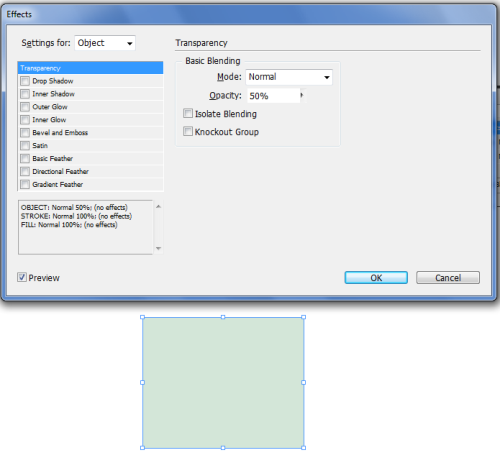
The effects panel is certainly an aspect of InDesign tutorials that you should pay close attention to. Learning give your images and layouts interesting and stylish layer effects is one…
Hopefully what this InDesign tutorial will show you is that page numbering in InDesign is just as easy to do as it is any other program, and much easier than…
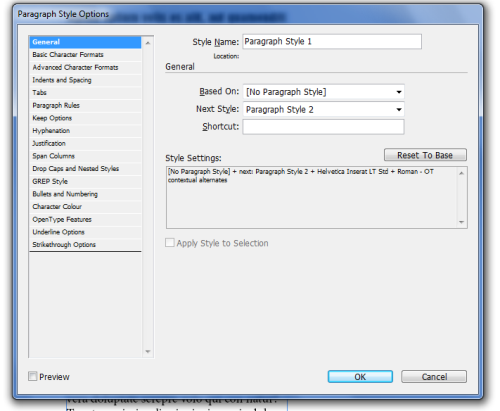
InDesign tutorials are often about InDesign’s text processing capabilities, and this is another one of those. Once again I have to say that InDesign is one of the most useful…
In recent InDesign tutorials, you’ve learned how to do many things. You’ve learned to place files, work with frames, and create all kinds of wonderful layouts, as well as a…
InDesign tutorials cover a whole lot about InDesign frames. Frames are a large part of layouts in InDesign because they are what contains nearly everything. If you have an image,…